Why People Extract Audio From TikTok
TikTok is as much a music discovery platform as it is a video platform. Trending sounds, remixes, original compositions, and motivational speeches all live on TikTok first before reaching the mainstream. Extracting audio as an MP3 lets you listen offline during workouts, commutes, or any time you'd rather not burn mobile data on video.
How TikTok-to-MP3 Conversion Works
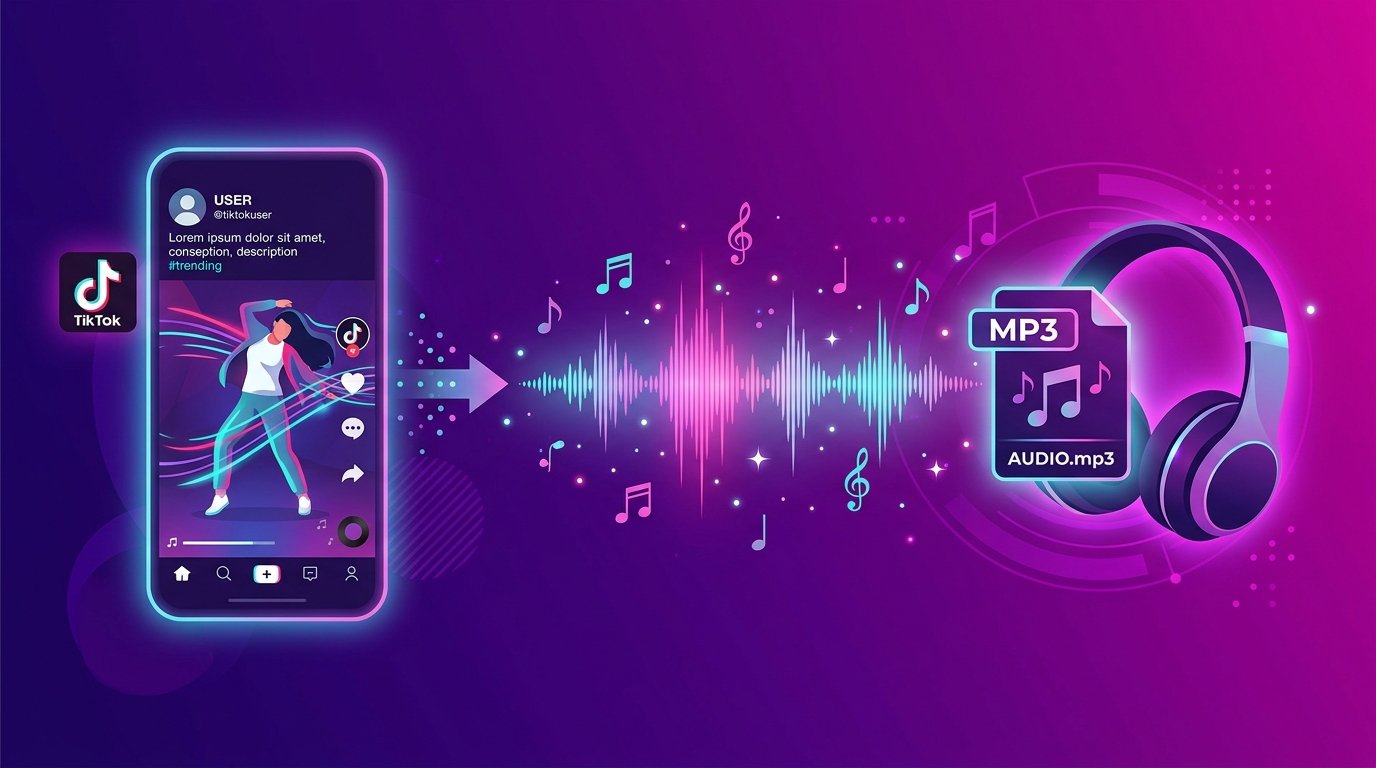
When you submit a TikTok URL to a converter tool, the service fetches the video from TikTok's CDN, demuxes the audio track from the MP4 container, and re-encodes it as a standard MP3 (typically at 128 or 320 kbps). The whole process usually takes under ten seconds.
Step-by-Step Audio Extraction
- Find the TikTok video whose audio you want to save and copy its share link.
- Go to a TikTok-to-MP3 converter website.
- Paste the link into the input field and press Convert.
- Select your preferred bitrate (320 kbps for best quality, 128 kbps for smaller file size).
- Download the MP3 file to your device.
Getting the Best Audio Quality
- TikTok streams audio at around 128 kbps AAC internally. Converting to 320 kbps MP3 won't add quality, but it won't hurt either — 128 kbps MP3 output is perfectly fine.
- Avoid tools that advertise "lossless FLAC" from TikTok — this is marketing spin, as TikTok doesn't serve lossless audio.
- If you want the original AAC stream unmodified, look for tools that offer "AAC download" for the truest representation of the source audio.
Use Cases Beyond Just Listening
Extracted TikTok audio files are popular with content creators who use trending sounds as backing tracks in YouTube Shorts or Instagram Reels. Podcast editors sometimes clip viral interview moments, and language learners extract native speech samples for pronunciation practice. The use cases are almost endless.
Conclusion
Converting TikTok videos to MP3 is one of the most practical things you can do with a video downloader. Choose a fast, privacy-respecting tool, grab your audio at the right bitrate, and enjoy your favourite TikTok sounds anywhere, anytime.