Why Bulk Downloading TikTok Videos Is Useful
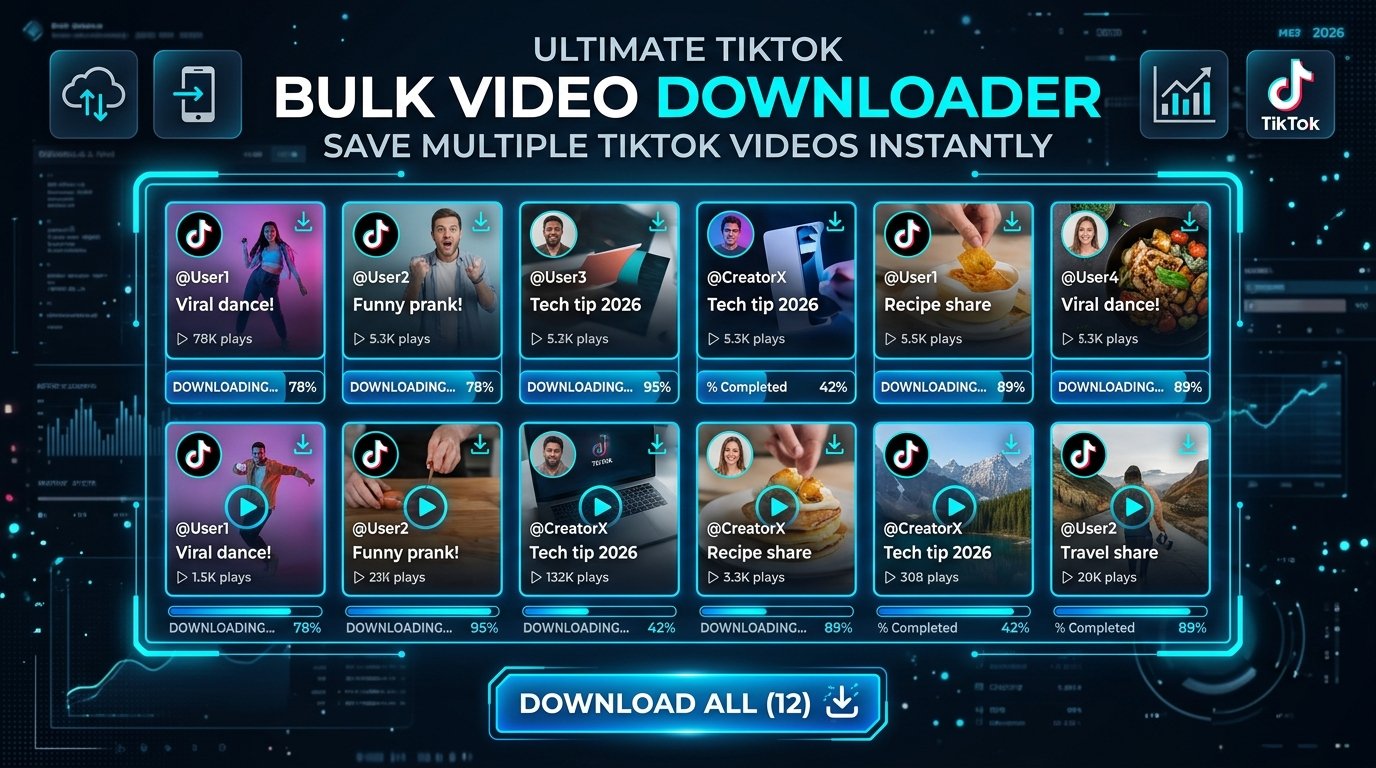
Whether you're a researcher archiving trending content, a creator backing up your own profile, or a social media manager saving competitor videos for analysis, downloading one TikTok at a time becomes tedious fast. Bulk downloader tools let you input multiple URLs — or even an entire @username — and fetch every public video in one clean batch.
Two Types of Bulk TikTok Download Tools
1. Multi-URL Downloaders
These tools accept a list of TikTok video links (one per line), process them sequentially, and let you download all results as individual MP4 files or a single zipped archive. Ideal when you have a curated collection of specific clips.
2. Profile/Channel Scrapers
More powerful tools accept a TikTok username or profile URL and automatically extract every public video posted to that account. Some can filter by date range, video duration, or minimum like count for more targeted archiving.
How to Use a Bulk TikTok Downloader
- Collect the TikTok URLs you need (or just copy the profile URL).
- Paste them into the bulk input field of your chosen tool.
- Choose output format — usually MP4 at original or 720p resolution.
- Start the batch download and wait for all files to process.
- Download all files at once via a ZIP archive or individually.
Important Considerations
- Public content only: Bulk tools can only fetch publicly visible videos; private or friends-only content is inaccessible.
- Rate limiting: Aggressively scraping thousands of videos in minutes can get your IP temporarily blocked. Use throttle controls if available.
- Storage planning: 100 HD TikTok videos can easily exceed 1–2 GB, so make sure you have sufficient free space before starting.
Conclusion
Bulk TikTok downloading is a legitimate time-saver for creators, researchers, and archivists. Choose a tool that respects privacy, doesn't require an account login, and delivers clean watermark-free files at scale.