Understanding Audio-Video Desynchronization
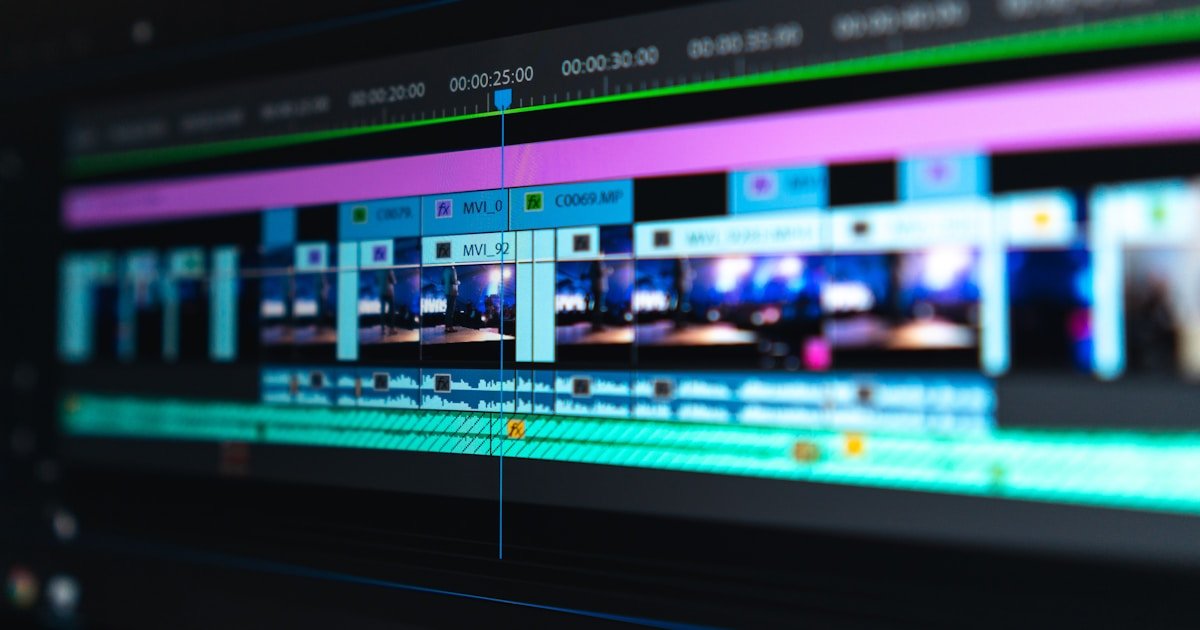
Few things ruin a video watching experience like audio and video drifting out of sync—where voice audio plays half a second before a speaker's lips move. This common issue typically occurs after video file conversion or editing.
Top Causes of Audio Desync
1. Variable Frame Rate (VFR) vs Constant Frame Rate (CFR)
Smartphones and screen recorders record videos using Variable Frame Rate (VFR) to save battery, dropping frame rates during simple scenes. When converting VFR files, converters often miscalculate timestamp calculations, causing audio drift.
2. Mismatched Audio Sample Rates
If your source video uses 44.1 kHz audio while the target converter outputs 48 kHz without resampling properly, audio timing slowly drifts out of sync over long durations.
How to Fix Desynced Video Files
- Convert VFR to CFR: Force your converter tool to encode the file with a Constant Frame Rate (e.g., exactly 30.0 fps or 60.0 fps).
- Match Audio Sample Rates: Set output audio sampling strictly to 48.0 kHz across all conversion presets.
- Adjust Audio Offset Timestamps: If the desync is constant throughout the video, use media players like VLC (pressing key 'K' or 'J') to shift audio track delay by +/- 200ms until perfectly synced.