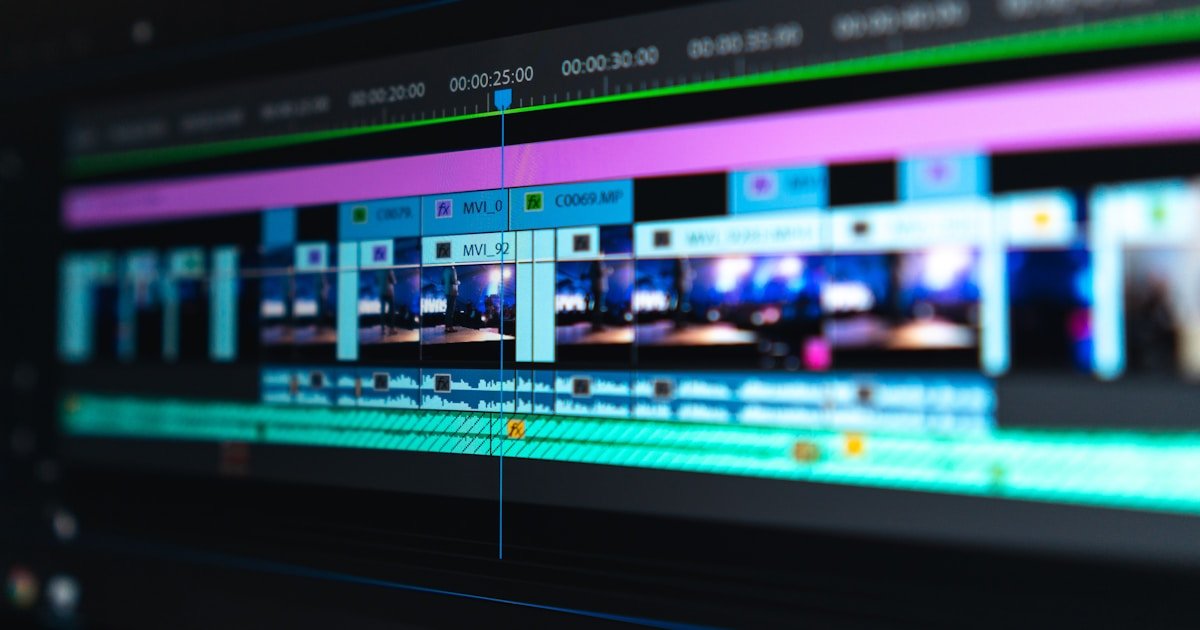
The Aspect Ratio Conflict
Smartphones encourage shooting vertical videos (9:16 aspect ratio), which fit phone screens perfectly. However, displaying vertical videos on traditional widescreen TVs or 16:9 computer monitors leaves ugly black side bars (pillarboxing).
3 Professional Ways to Adapt Vertical Clips to 16:9 Widescreen
Method 1: The Blurred Background Fill (Stylized Canvas)
This is the industry-standard method used by news broadcasts and documentary editors:
- Place your vertical 9:16 video clip centered in a 16:9 widescreen timeline.
- Duplicate the video track onto a lower background layer.
- Scale up the background video layer until it fills the entire 16:9 frame.
- Apply a Gaussian Blur effect (blur radius 40px to 60px) and slightly darken the background.
- Result: A sleek, professional presentation without ugly empty black space!
Method 2: Intelligent Smart Cropping (Pan & Scan)
If your video subject remains in the center of the frame, crop into the video to fill the 16:9 frame entirely, keeping key action visible.
Method 3: Split-Screen & Multi-Clip Layouts
Combine two or three vertical clips side-by-side inside a single 16:9 frame. This works exceptionally well for comparisons, interviews, and product demonstrations.