The Rise of Video Communication
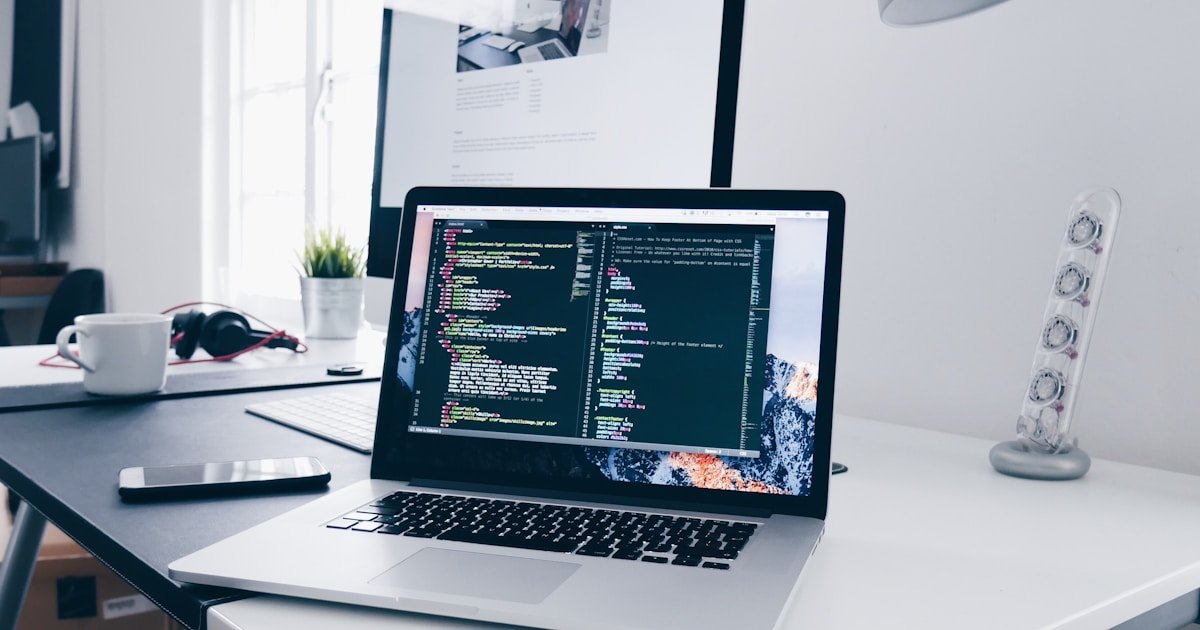
Screen recording has become an essential communication skill for remote workers, educators, software developers, and gamers. Recording your screen with voice commentary is far clearer than writing long email explanations.
Key Features of Modern Web Screen Recorders
1. Multi-Input Capturing
Record your full screen, specific app windows, or individual Chrome tabs while simultaneously capturing your webcam video in a sleek picture-in-picture circle.
2. Dual Audio Track Recording
Capture crisp system audio output (game sounds, software alerts) alongside clear microphone voiceover dialogue simultaneously.
3. Zero Software Downloads
Modern browser APIs (MediaDevices and Display Media Capture) allow secure screen recording natively without installing background background recording utilities.
Tips for Recording Professional Screen Tutorials
- Clean up your desktop icons and close private browser tabs before recording.
- Set your monitor resolution to standard 1080p (1920x1080) for clear text scaling.
- Use an external USB microphone positioned close to your mouth for warm vocal presence.